Lists, batch scan and a loyalty-card wallet
Group scans into lists, scan several codes in a row with batch mode, and save frequently used cards to a wallet shown at full screen brightness for checkout (3 free, unlimited with Pro).

Scan any barcode or QR code instantly. Generate your own in seconds.
UtilitiesScan any QR code or barcode with the camera, with full history, lists and a wallet built in. For a one-off scan without installing anything, try gettoolbox.app's online QR code scanner.
Barcode Scanner & QR Reader scans QR codes and 1D/2D barcodes with the camera. A product barcode lookup (EAN, UPC or ISBN) shows the item's name, brand, image and category when it is listed in Open Food Facts or Open Beauty Facts, the open databases the app queries. The generator creates codes for URLs, Wi-Fi credentials, contacts (vCard), email, SMS, phone numbers and more, in a choice of visual styles. Every scan and generated code is saved to a searchable history, and results can be grouped into lists for batch work, with an optional CSV export. A loyalty-card wallet keeps frequently used cards one tap away, shown at full screen brightness for checkout scanning. A home-screen widget, a Quick Settings tile, a launcher shortcut and, on iPhone, a Quick Action, all jump straight into the camera scanner, skipping the home screen. Scanning, generating and history work fully offline; only product lookup needs a connection. The app is free and supported by ads, with an optional Pro upgrade (monthly, yearly or one-time) that removes ads and raises the free limits on lists, wallet cards and CSV export.
Real screens from the current app. Swipe or scroll to explore.
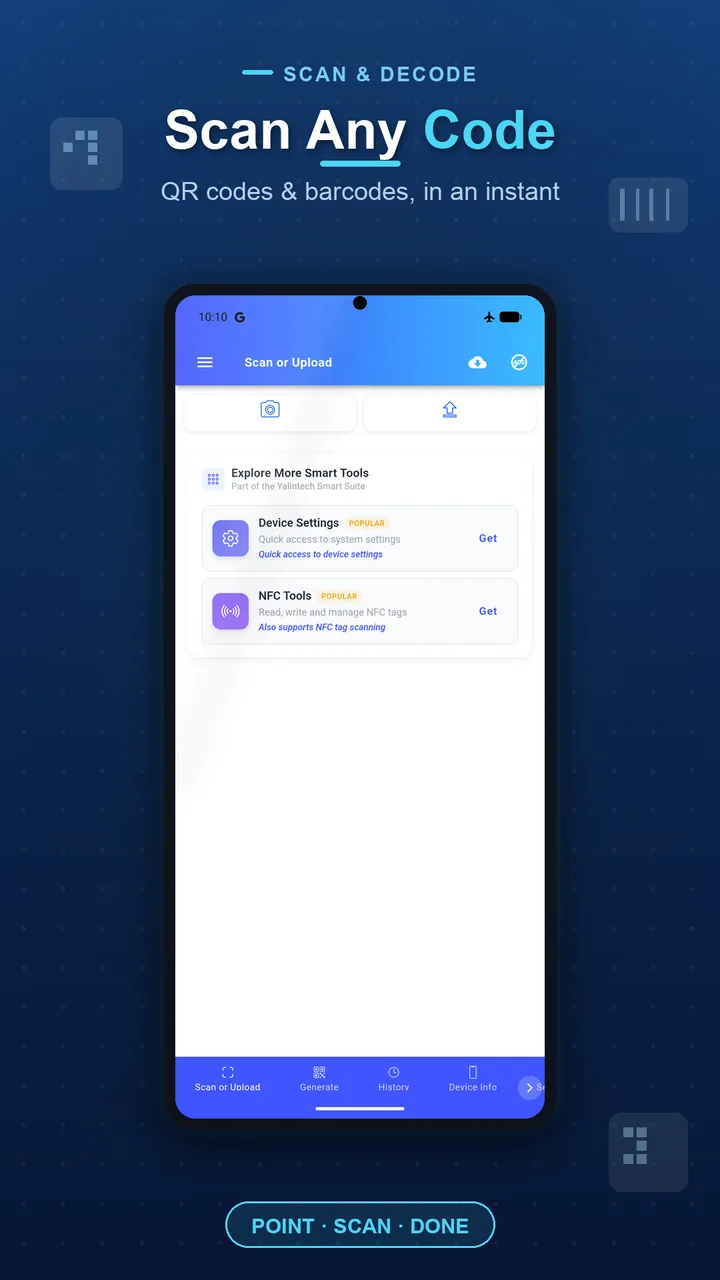
Point the camera at any QR code or barcode to scan it.
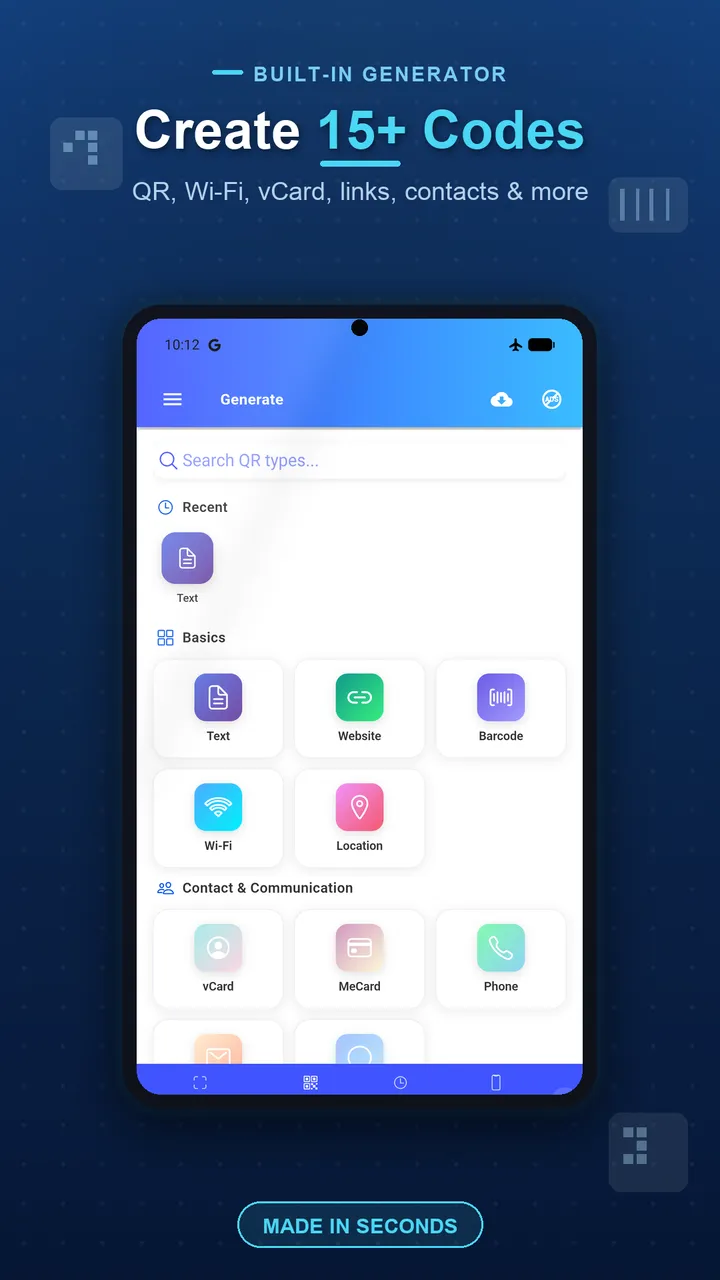
Create QR codes and barcodes for URLs, Wi-Fi, contacts and more.
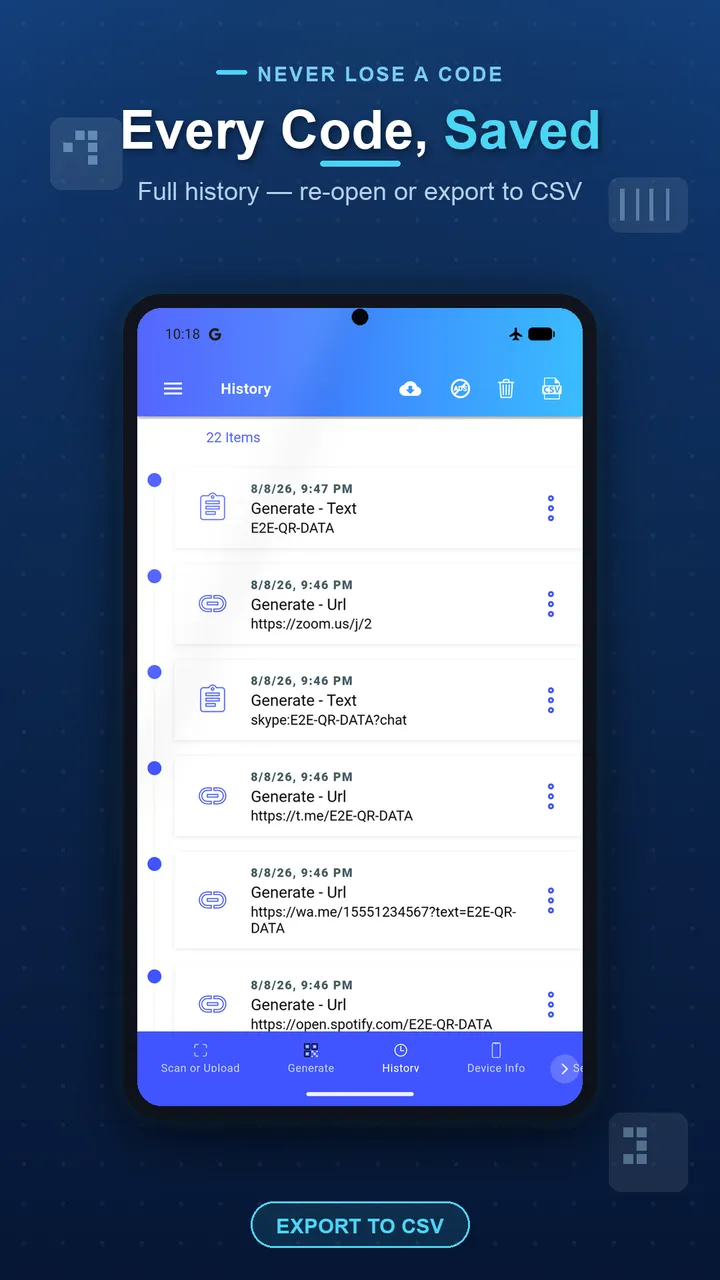
Every scan and generated code is saved to a searchable history.
Group scans into lists, scan several codes in a row with batch mode, and save frequently used cards to a wallet shown at full screen brightness for checkout (3 free, unlimited with Pro).
A home-screen widget, a Quick Settings tile, an app shortcut and an iPhone Quick Action all jump straight into the camera scanner.
Point the camera at any QR code or barcode and it decodes instantly, even in low light.
Scan an EAN, UPC or ISBN barcode to see the product's name, brand, image and category from an open product database, when it's listed.
Create codes for URLs, Wi-Fi networks, contacts, email, SMS, phone numbers and more, in a choice of styles, ready to download, print or share.
Group scans into lists (3 free, unlimited with Pro) and scan several codes in a row in batch mode, with a dedupe cooldown and a running counter.
Save frequently used barcodes as cards (3 free, unlimited with Pro) and show them at full screen brightness for fast checkout scanning.
Jump straight into the scanner from a home-screen widget, a Quick Settings tile, an app shortcut, or an iPhone Quick Action.
Scans QR codes plus 1D/2D barcodes — EAN-8/13, UPC-A/E, Code 39, Code 93, Code 128, ITF, Codabar, Data Matrix, Aztec and PDF417 — with the camera.
Create QR codes and barcodes for URLs, plain text, Wi-Fi credentials, contacts (vCard), email, SMS and phone numbers, with a choice of visual styles.
Group scanned or generated codes into lists (3 free, unlimited with Pro). Batch mode keeps the camera open to scan several codes in a row, with a short dedupe cooldown and a running counter.
Export a list's contents to CSV, built with RFC 4180 quoting and a formula-injection guard so a scanned value starting with =, +, - or @ is never run as a spreadsheet formula.
Save barcodes and QR codes as wallet cards for quick access (3 free, unlimited with Pro). The show screen jumps to full brightness for fast checkout scanning.
A home-screen widget, a Quick Settings tile, an app shortcut and, on iPhone, a Quick Action, all open the camera scanner directly.
Learn how to scan QR codes on any phone, step by step for Android and iPhone, with tips for scanning from saved images and in low light conditions.
How to decode a QR code sitting in a screenshot or saved photo on iPhone, Android, or online, since the camera app only reads a live code.
Compare the best QR code scanner apps for Android and iPhone in 2026 — features, privacy, scanning speed, and which one is the right fit for you.
Run a small inventory using a phone instead of a dedicated scanner: barcode types, batch scanning, CSV export, stock counts, and where phones fall short.
QR codes and 1D/2D barcodes, including EAN-8, EAN-13, UPC-A, UPC-E, Code 39, Code 93, Code 128, ITF, Codabar, Data Matrix, Aztec and PDF417. Scan with the camera.
Not in the current release — scanning works with the live camera only. For decoding a QR code already saved as an image, see our guide to [scanning a QR code from an image](/guides/scan-qr-code-from-image), which covers free options on iPhone, Android and the web.
Only for product barcodes (EAN, UPC or ISBN) listed in Open Food Facts or Open Beauty Facts, the open databases the app queries. Not every product is listed, and the lookup needs an internet connection; scanning, generating and history all work offline.
Yes, free to download and use, and supported by ads. An optional Pro upgrade, offered monthly, yearly or as a one-time purchase, removes ads and raises the free limits on lists, wallet cards and CSV export.
Free accounts can create up to 3 lists and save up to 3 wallet cards. Pro removes both limits.
Yes, a list's items can be exported to CSV; this is a Pro feature. Exported values are quoted to the CSV standard and guarded against spreadsheet formula injection.
A mode that keeps the camera open to scan several codes in a row. A short cooldown stops a code you're still holding up from being counted twice, and a running counter shows how many you've accepted; stop it when you're done. Batch scan mode itself is free.
Scan history, lists and wallet cards are stored on your device. The product-lookup feature sends the scanned code to Open Food Facts or Open Beauty Facts to retrieve product info, and the app uses analytics to understand feature usage.
They're shortcuts straight into the camera scanner: an Android home-screen widget, a Quick Settings tile, a long-press app shortcut, and, on iPhone, a Quick Action. Each opens the scanner directly instead of the app's home screen.
Camera to scan. Contacts and location permissions are requested only if you use a matching feature, such as saving a scanned vCard contact or a Wi-Fi-related code.
Download now and try it free.
Other Yalintech apps you might find useful.